KVM/QEMU is Simple on OpenSUSE:
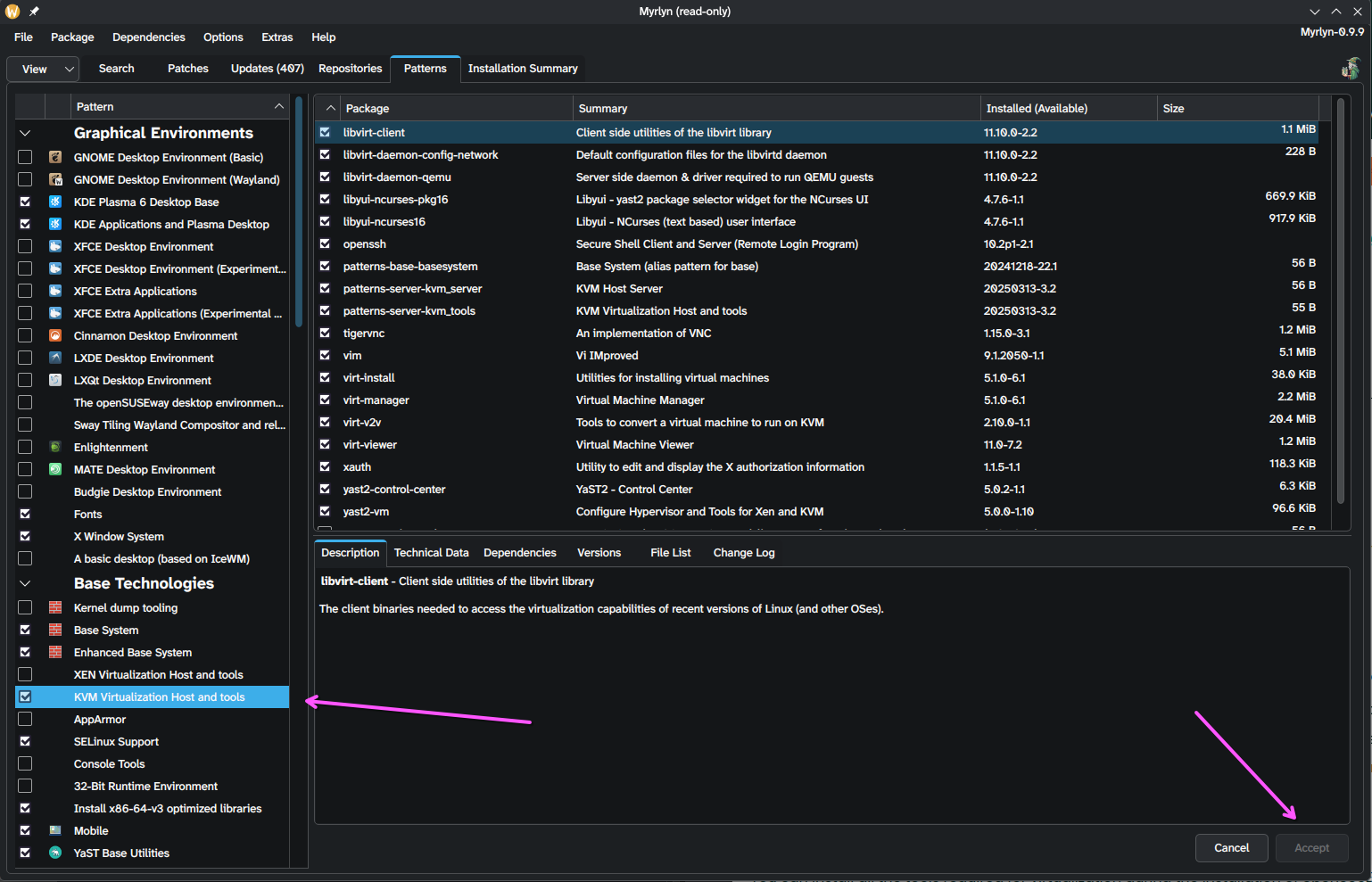
- Open Myrlyn (this is the software management GUI that replaced YAST Software)
- Select
Patterns - Look for
KVM Virtualization Host and tools - Select it and install
Why the network isn't working:
Virt is going through some changes. One of those is the switch from iptables to nftables.
You see these firewalls are what are used to manage NAT (network address translation) which Virt uses to create psuedo-networks.
They've got it down-pat for the old firewall standard: iptables.
The new one, not so much.
The Fix!
Switch to IP tables:
Baby's First VM (a partial how to):
Virt Manager does everything for you. And will prompt you to enable stuff. (like the network, just agree to every popup).
Below is just a quick overview of the UI/UX to make a VM. (this is not a full guide).
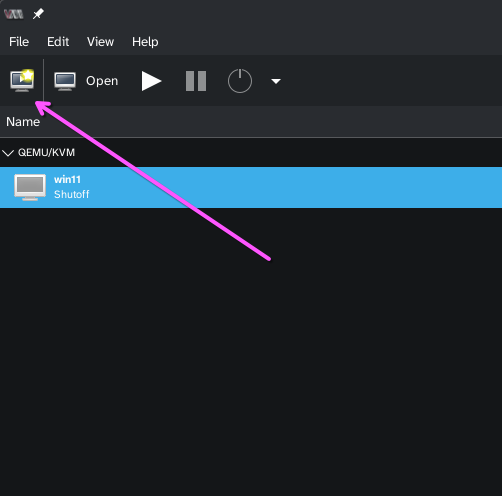
- Search for
Virtual Machine Manager and open it - Click "New"
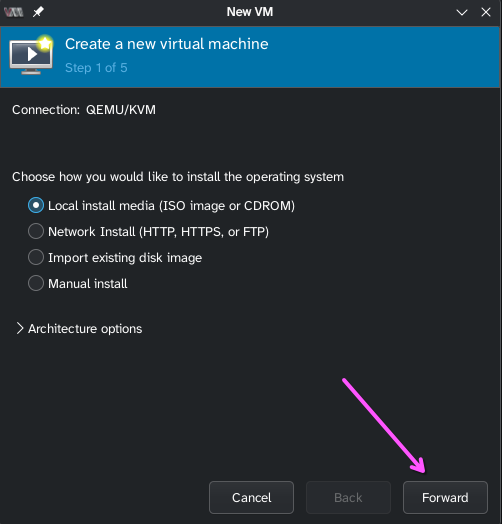
- ISO should already be selected, just click Forward (you should have already downloaded an ISO from the internet: Mint, Fedora, Windows, etc...)
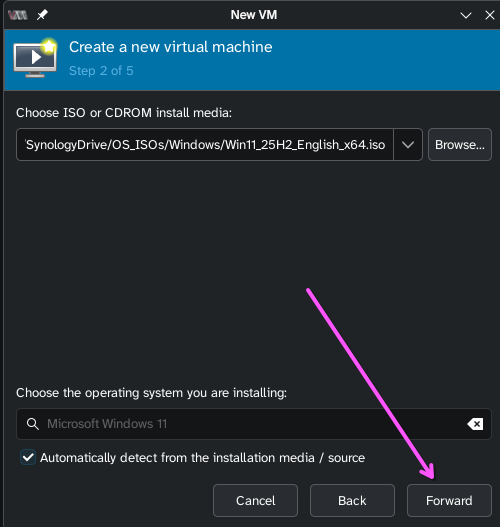
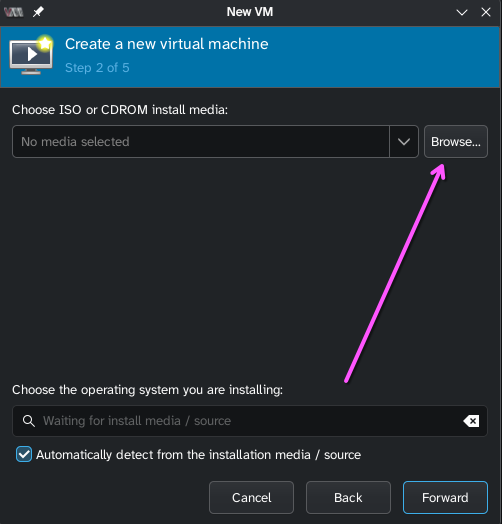
- Browse:
- Browse Local:
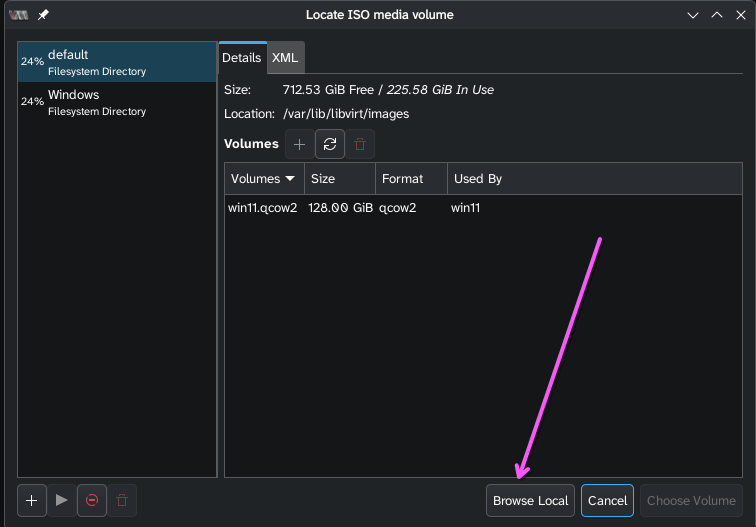
- Find the ISO and select it (it's probably in your downloads folder).
- Steps 3-5... just keep clicking forward and leave everything as default: