
Updates happen.
From time to time the API will change. And we have to update the server. This is why your password manager has stopped working.
Remember:
You can always access the website to see your passwords: https://password.txtechnician.tech
The fix is very simple:
- Log out
- Switch to Bitwarden server (temporarily)
- Switch back to our custom server https://password.txtechnician.tech
- Log in.
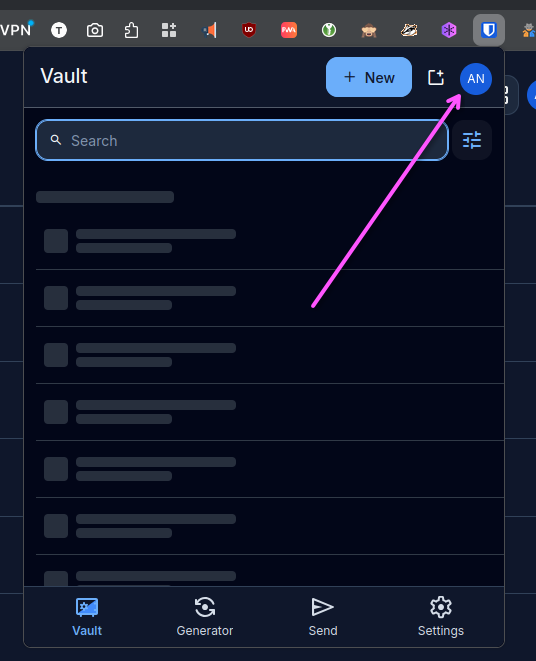
Open the extension and log out
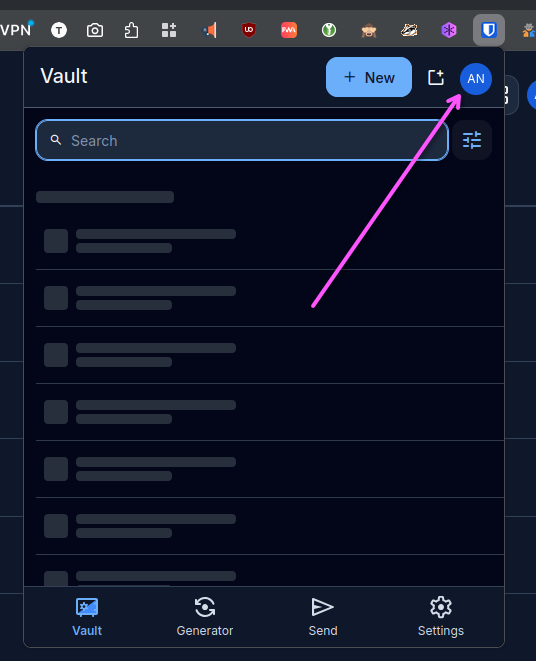
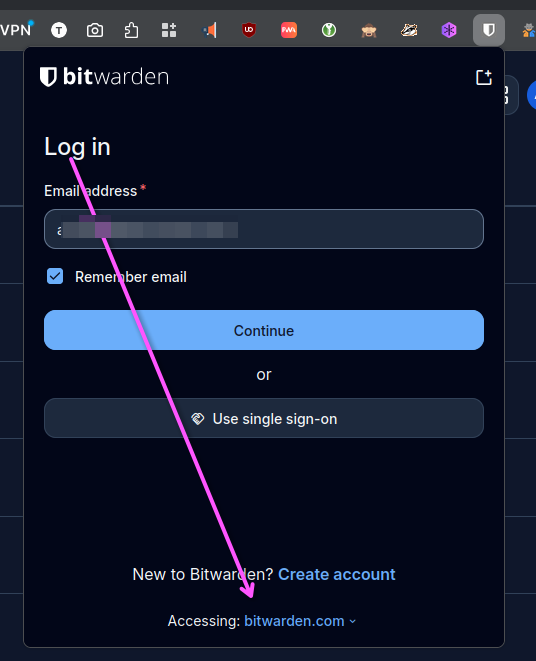
Switch to Bitwarden temporarily
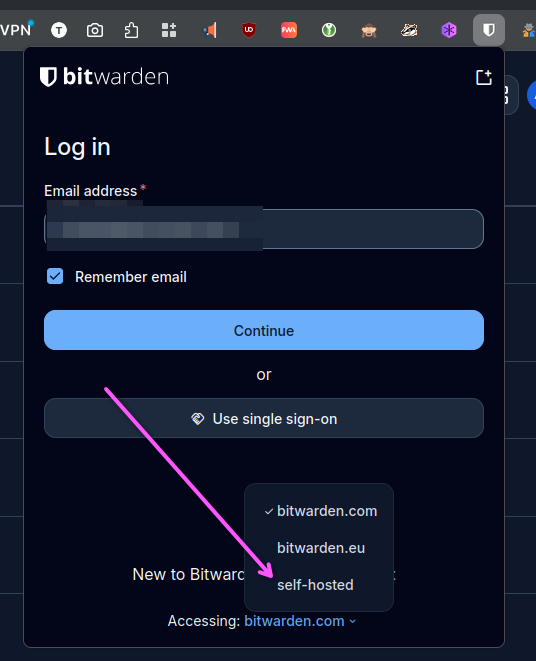
Switch back to our custom URL
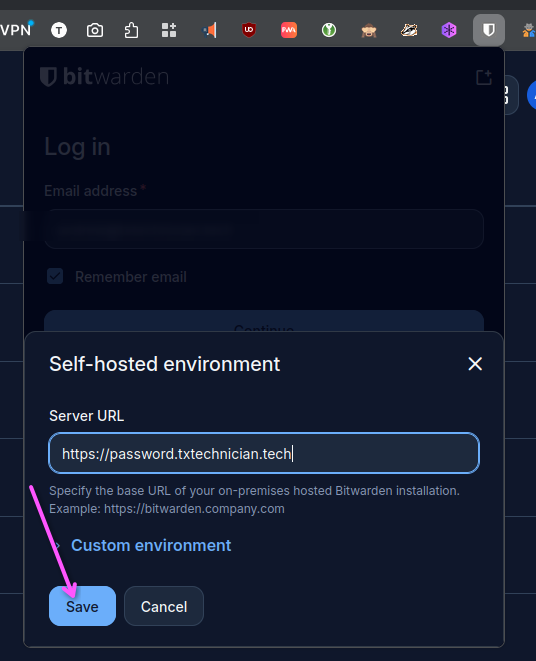
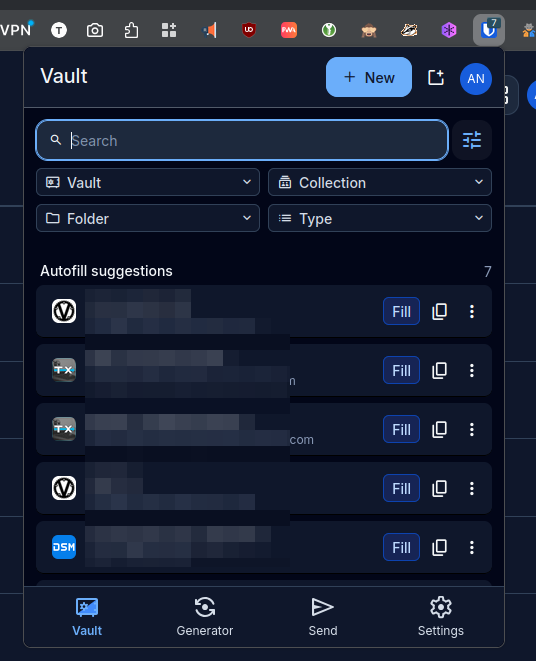
Log back in!
A note from TxTechnician
All of our service agreements come with a password manager. At minimum you are granted access to our custom server.
You always have the option to run your own private server.
Remember, if you ever have a problem. Contact us!