
Learn languages via total "Digital" immersion.
There are two good ways to learn a language:
- Study using language learning apps and classes (https://www.duolingo.com/ | https://www.pimsleur.com/).
- Immersion.
Let's focus on that second one. It is easier than ever to immerse yourself in another language. We are basically able to "Beam" ourself across the globe with a flick of the thumb.
As a kid, I learned Spanish via "Immersion" and via study. Grew up working for my dad (Mexican) who employed Spanish speakers (mostly). When you interact with people in their language, you're forced to learn their language and vice-versa. I taught them, they taught me.
I primarily speak English. I along with my wife decided to take language learning a bit further over the last year. We have been using Duolingo and watching Spanish media to improve our skills.
I'm learning (more) Spanish using Pokemon!
Total Digital Immersion: What a brilliant idea!
From TikTok:
Hi. I red your Graphine Os post, and I'm planning to buy Google Pixel 8 In order to set-up different profiles each in a different language.
I learn 6 languages currently, and what I want to achieve through profiles is native-like immersion through tiktok, youtube, instagram and facebook in each of those languages.
However, I lack knowledge in this, and I want to reduce cross contamination and ensure my profiles in each language ramain authentic from algorythms side.
I think I also need to setup emails that way when using target language's country set VPN, and somehow I also need to get those countries numbers, to verify for some social media apps.
Seriously good idea. Here is a guide on how to do just that (not GrapheneOS dependent).
TLDR:
We are going to setup "Profiles" on Android to keep apps like TikTok using separate data sets. And trick the apps to think we are in another country using a VPN service. That way we can get full Immersion.
(optional) I will be setting all of this up without using Google Store. This makes it to where I don't need additional gmail accounts.
Requirements
Android Phone:
I used an old Android phone running LineageOS. You can use any Android Phone to do this. Recommend you use a modern-ish phone. Android 13+ (you may be able to install LineageOS on your old phone).
VPN Service:
- Mozilla VPN (Firefox ppl)
- Mullvad VPN
- (this is what Mozilla uses as its backend. If you buy from Mozilla you support Firefox and all Mozilla projects)
- IVPN
- (They are truly private)
- Proton VPN
- (I've used their products and like their ethics).
Profiles in Android
What are they?
Totally separate uses on your phone. They have their own play store, apps and accounts. (you do not need to use a Gmail account to have another profile).
There may be a limited amount of users you can add. And that is dependent on your Andoid OS (every manufacturer can have different options).
Add Users in Android:
Really simple to do:
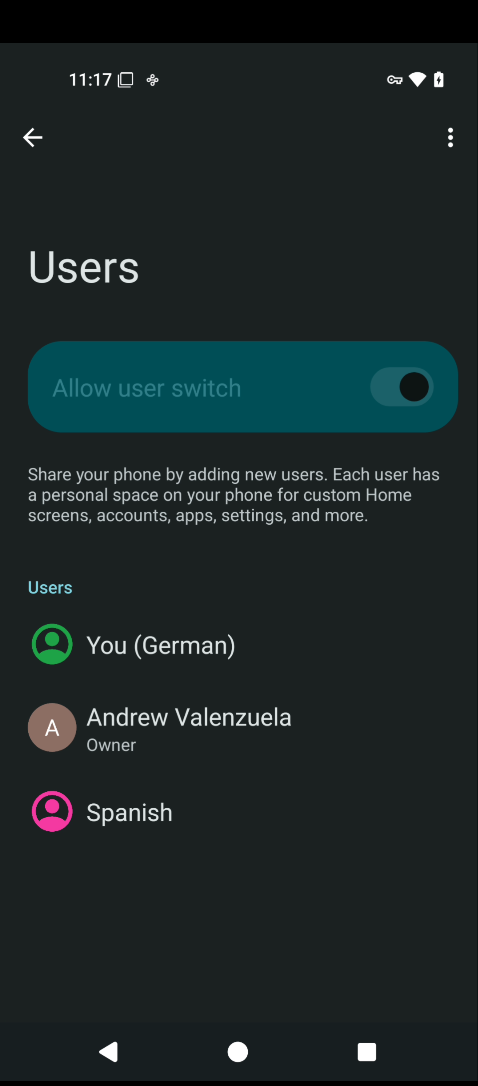
- Search
Settings forUsers (varies depending on Android OS, but this search term will usually find it). - Enable
Allow user switch - Add a user (You don't need to link a Gmail account to these users).
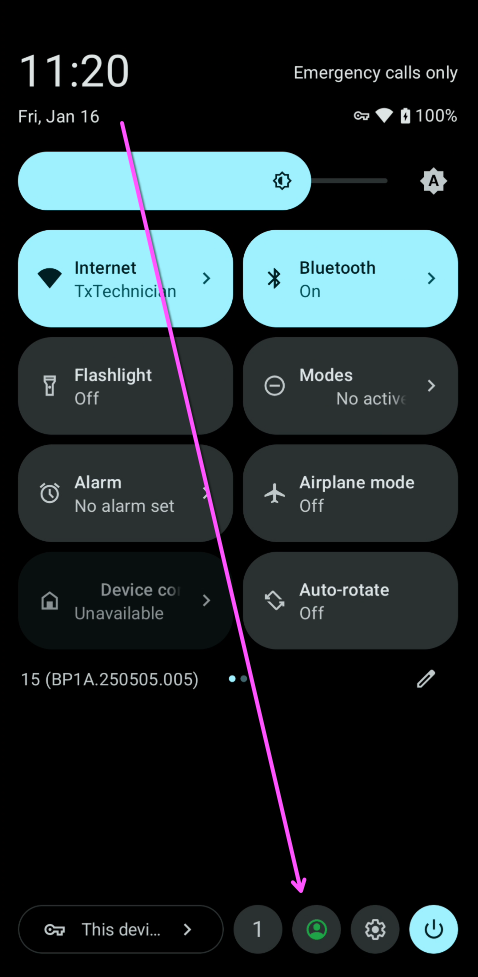
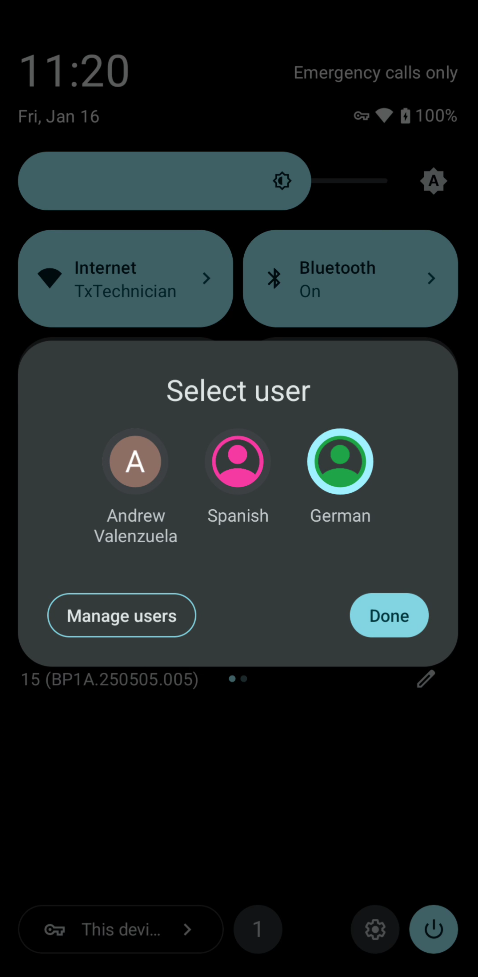
Now you can switch between profiles by swiping down:
Don't Juggle Multiple Emails
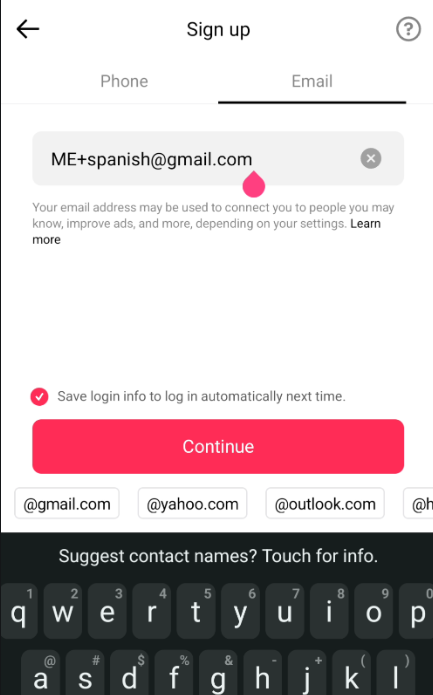
Use the Email-Plus trick:
Pretty much every email provider supports "Email Plus".
mygmailaccount+someWord@gmail.com
So you can use the same email account for multiple social media accounts:
-
mygmailaccount+spanish@gmail.com -
mygmailaccount+german@gmail.com
Note that this trick WILL NOT work for gmail and google accounts. You'll need to use a new gmail username for those. Because Google is kind of an all-in-one thing. Your YouTube account is going to be your gmail account.
You don't have to do this. You can just create a new Gmail account for each language.
(Optional, No Google) VPN and Apps
This is how I have installed these applications. This way makes it to where I don't have to rely on Google.
Download and Install F-Droid and Aurora Store:
You could just google "Aurora Store" and download it, but it's better to use the F-Droid Store.
FYI: Mullvad is in the F-Droid Store too.
Download F-Droid (an app store that only has FOSS programs)
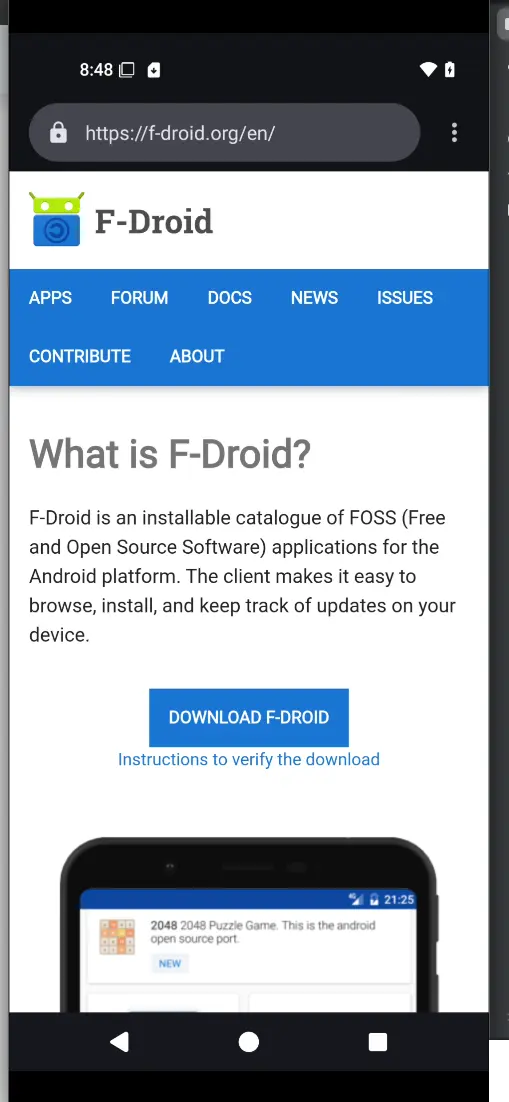
Just agree to the popups and grant access... It's an app store. It can't install programs and update unless you agree to allow it to do so.
Install Aurora Store:
Search F-Droid for Aurora Store and install it.
Aurora is an opensource Android app store. Which hosts Android apps for all different distros and android versions.
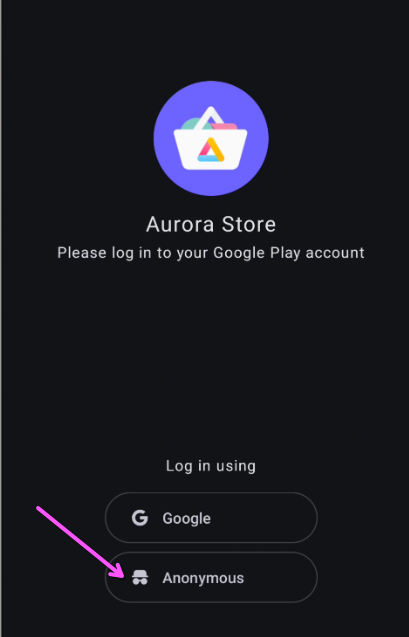
It has anAnonymous feature that makes it where you don't need Gmail to download and install apps.
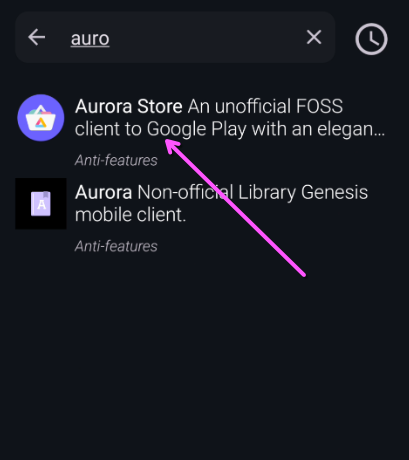
(optional) sign in anonymously:
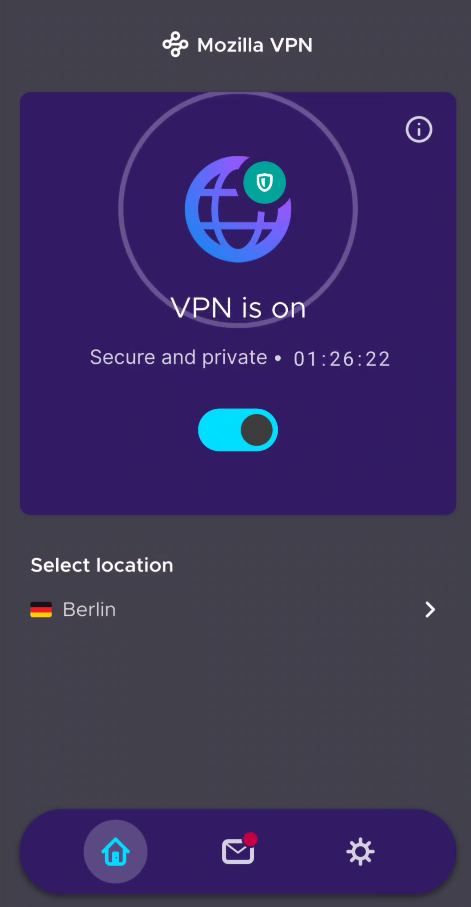
Install your VPN first:
I used Mozilla VPN. Which was in the Aurora store. Mullvad is in the F-Droid store.
Now use Aurora to install your social media apps:
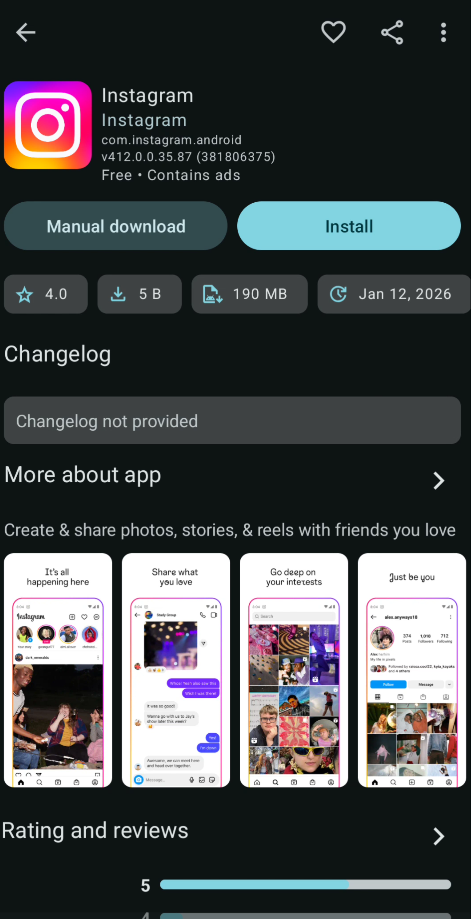
(Google Play) VPN and Apps
Sign into the Google Play store with a new account.
You could also just use the same Gmail account as your main profile. But that will link info to your accounts)
Download your VPN first. And link to the location you want. Before downloading the apps for social media.
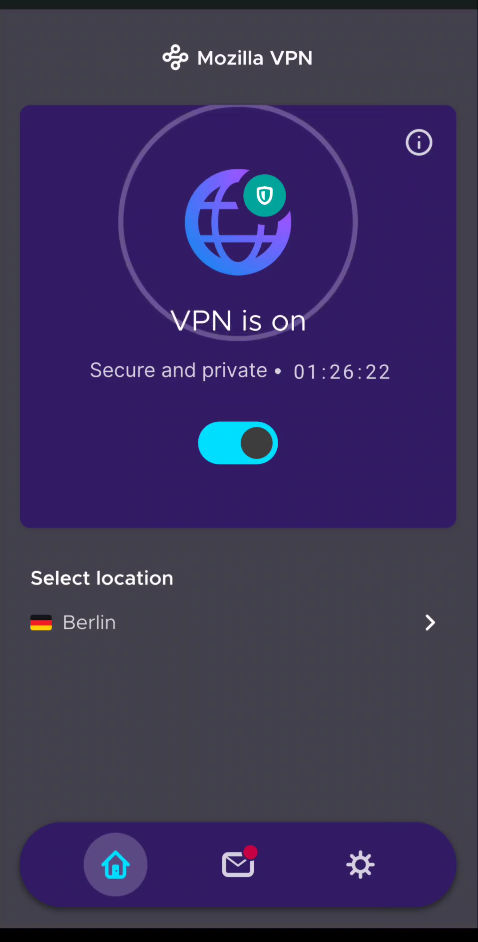
Some apps might not be available in the country you choose. Because Google plays ball with: governments, regimes, and dictators (depends on your situation).
@txtechnician.german
I be German Homey!
Was TikTok betrifft, bin ich jetzt ein deutscher Staatsbürger aus Berlin.